Header and footer information is generally caused due to the Internet browser settings. This information may include page numbers, URLs, date, and time.
Google Chrome, Mozilla Firefox, and Microsoft Edge allow users to customize print settings.
Suppressing the header and footer when printing a document from the internet can vary slightly depending on the web browser you are using.
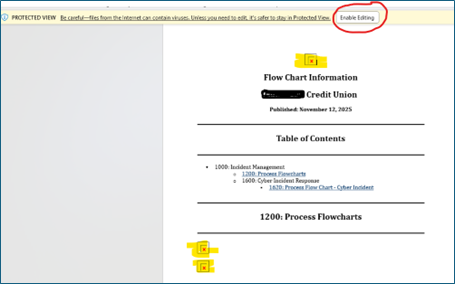
This is a Microsoft Word setting, not an IS360 issue. When you open the downloaded Word document, click “Enable Editing” at the top of the window. The graphics will then display correctly. Until editing is enabled, Word may block certain content like images for security reasons.
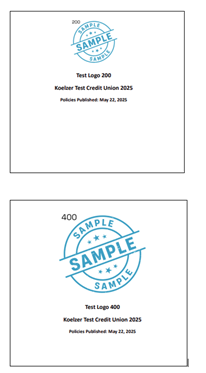
If your logo appears too large or is cut off on the title page, the graphic may exceed the recommended maximum size, which is no larger than 600 pixels wide.
To help visualize this, here are examples of how logos look at different sizes:
200px – Small and fits comfortably
400px – Medium, typically fits well
You can upload or update your logo in the Settings section of the Admin area.